Netflix and Blockbuster
In 2000 Netflix offered to sell itself to Blockbuster for $50 million. Blockbuster said no.
- It moved into streaming in 2007
- Blockbuster went bankrupt in 2010
One Blockbuster store is still open, in Bend, Oregon.
Take notes in Spaced Recall and each one comes back right before you'd forget it, a few a day, for the rest of your life. Share the best ones with the people you learn with.
A review takes a few seconds. Here are three notes to start you off. Each one tells you when it will be back, and the wait grows every time.
 Spaced Recall
In 2000 Netflix offered to sell itself to Blockbuster for $50 million. Blockbuster said no.
One Blockbuster store is still open, in Bend, Oregon.
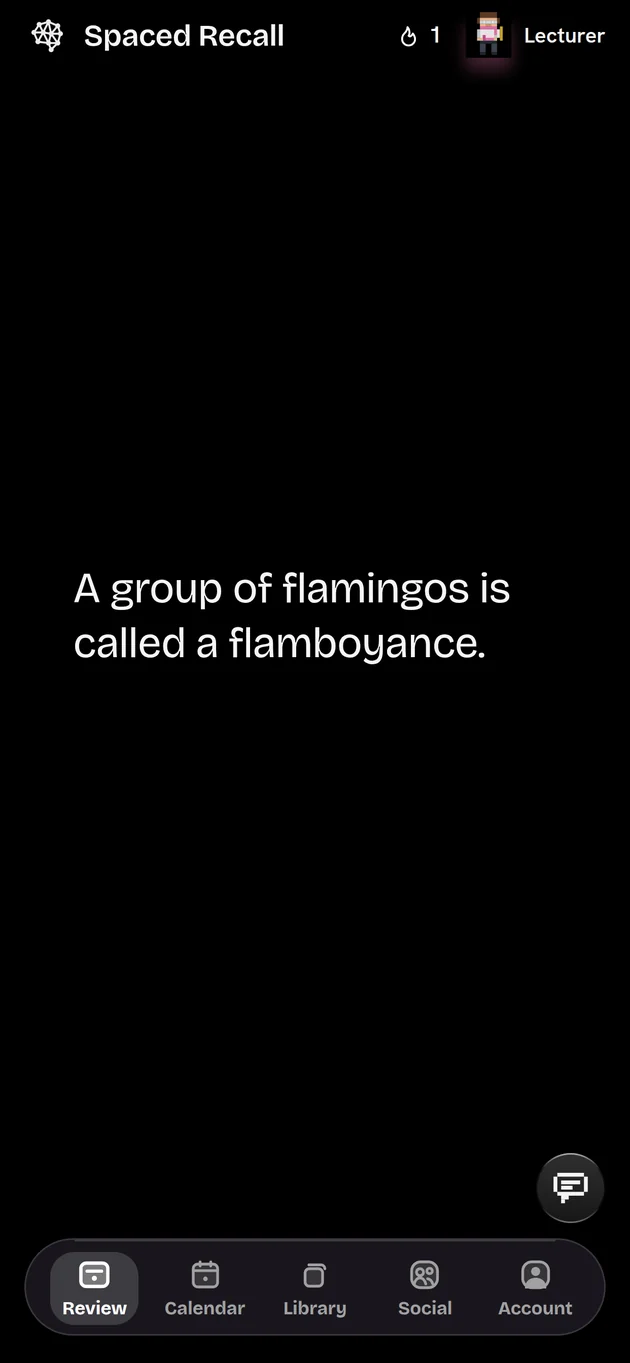
Swipe up, or tap Got it
A fact on one line, or a page of notes. Headings, lists, to-dos, quotes and pictures, saved as you type and filed under categories you choose.
Augustus became the first emperor in 27 BC.
"I found Rome a city of bricks and left it a city of marble."
Try it Click into the note and type.
Each note comes back just before you'd forget it, and waits longer every time you remember it. A few minutes a day keeps a whole library.
The curve is an illustration. The review days are the app's real schedule.
until a new note first comes back.
until it settles into once a year.
to review it: read it, swipe up, done.
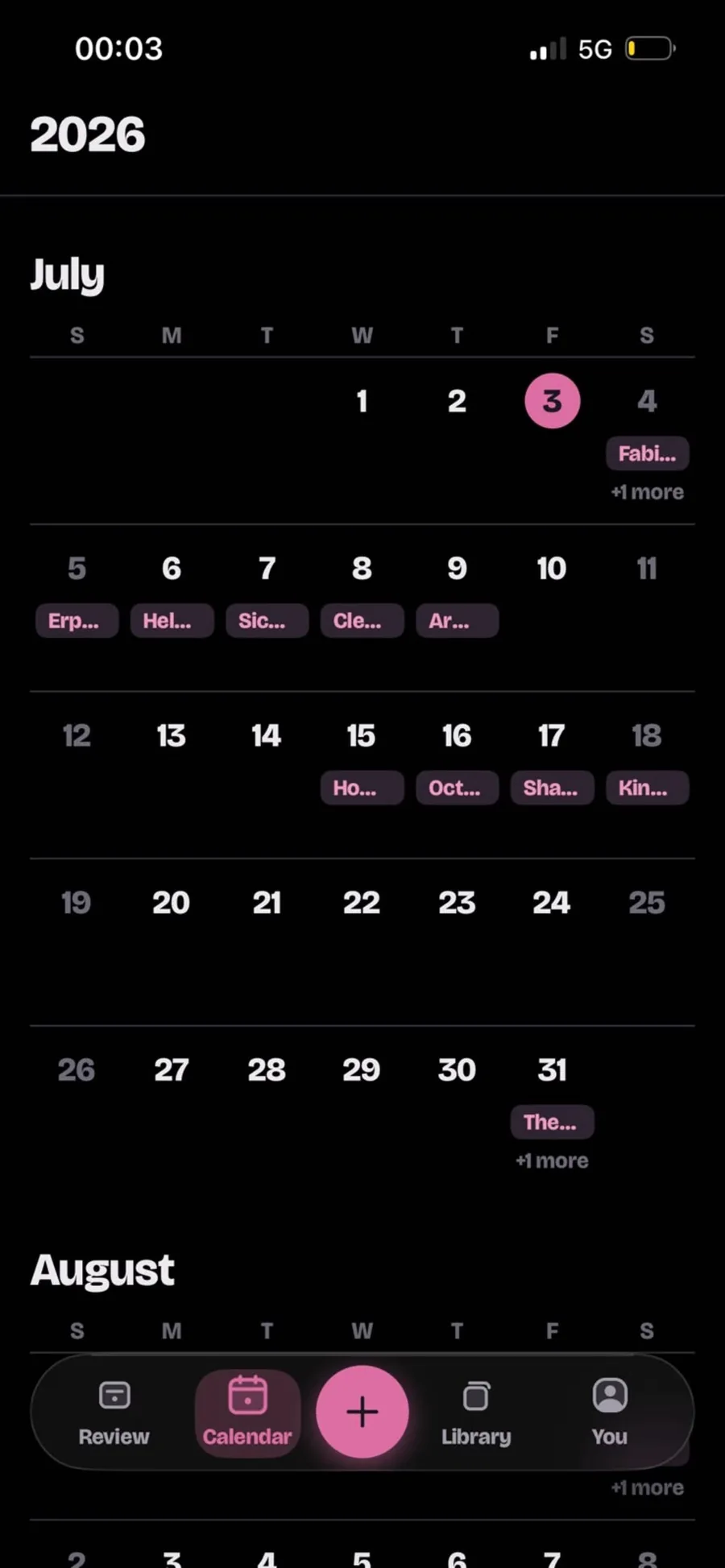
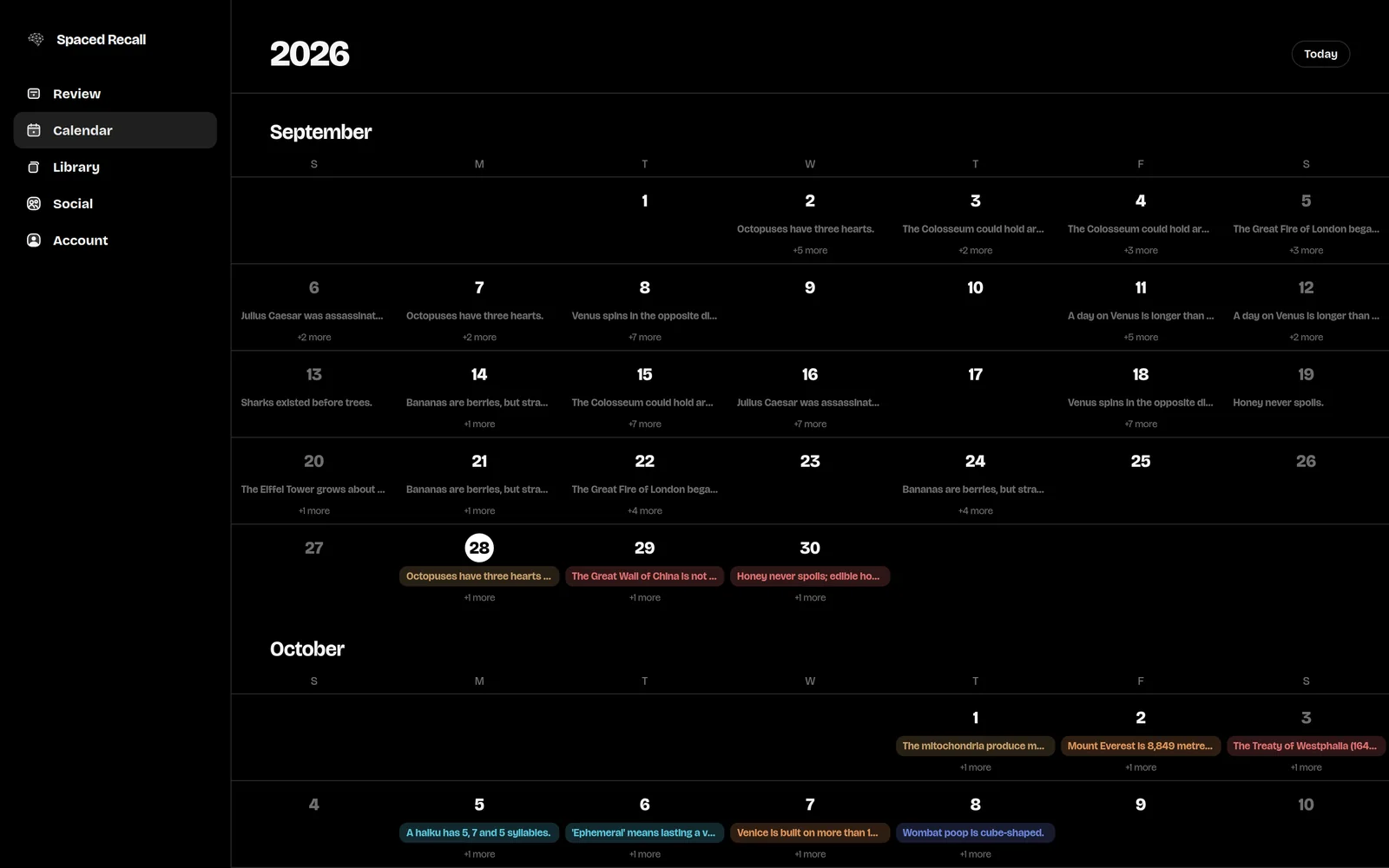
You choose how many reviews a day, and which days are rest days. The calendar shows what's coming, and you can hold any note and drop it on another day.
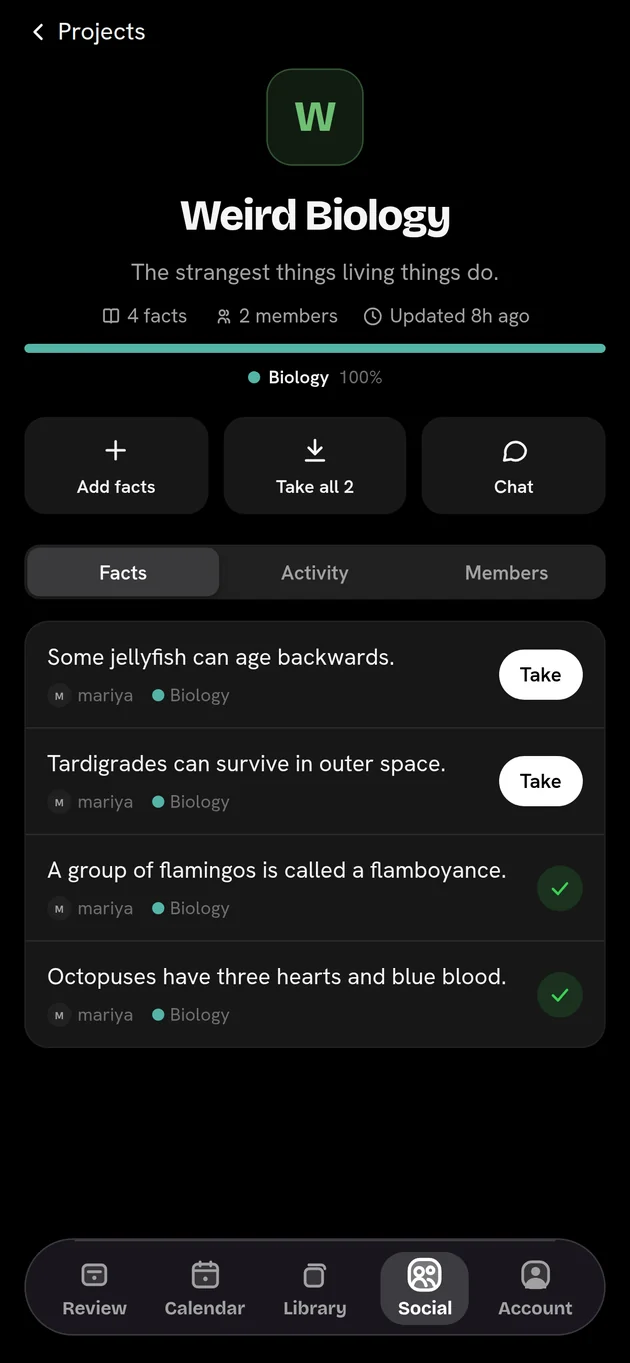
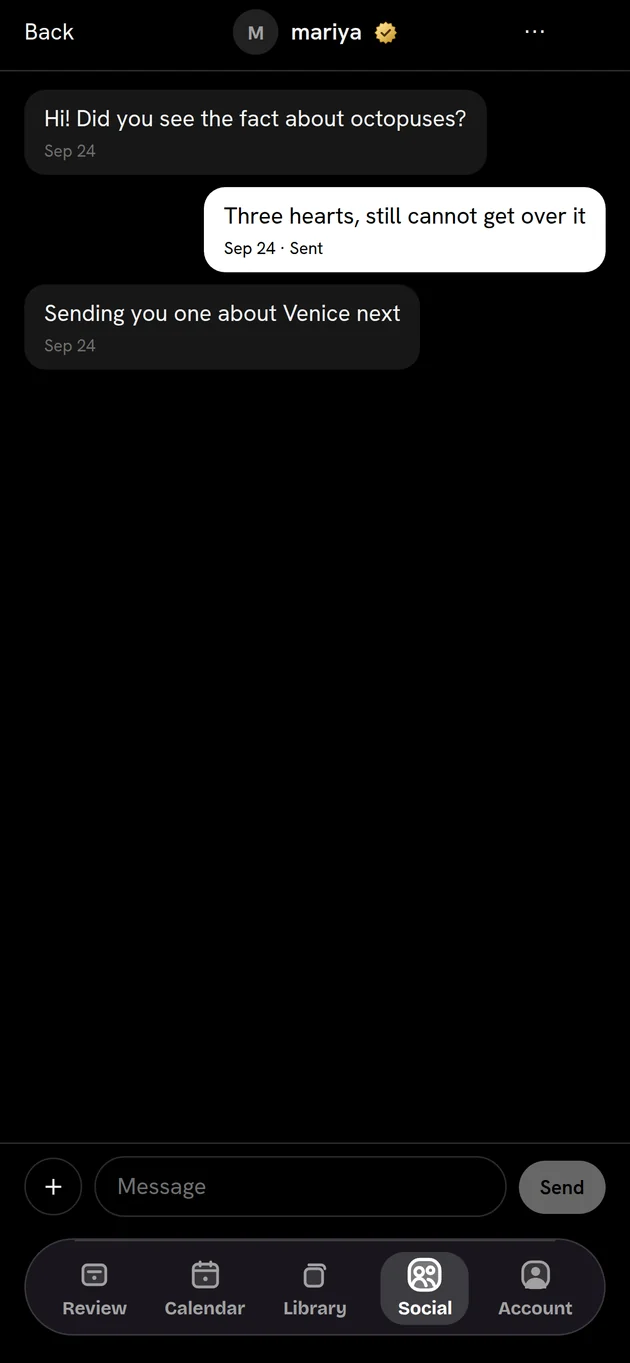
Send a friend the fact that made you stop and think. Trade notes in a group. Build a shared project for a trip, a course or an exam. Anything you're sent joins your own library in one tap.
Ask in plain words. He finds the note you half remember, quizzes you, tidies your categories, moves a review, or sends facts to a friend. Nothing changes until you tap to confirm.
Try it Pick something to ask.
Connect Spaced Recall to Claude or ChatGPT, then say “save this to Spaced Recall” in the middle of a conversation. The note lands in your library, written properly, and comes back for review like any other. Ask it to quiz you on what is due, too.
Every review counts toward your rank, and the Librarian dresses for it: a scarf, then glasses, a lab coat, a pointer, a mortarboard, a laurel.
The same notes, calendar and friends on your iPhone and in any browser, kept in step. Start a note on the train, finish it at your desk.
Short true stories from business and history, the kind worth keeping in your library. New ones go up on TikTok and YouTube.
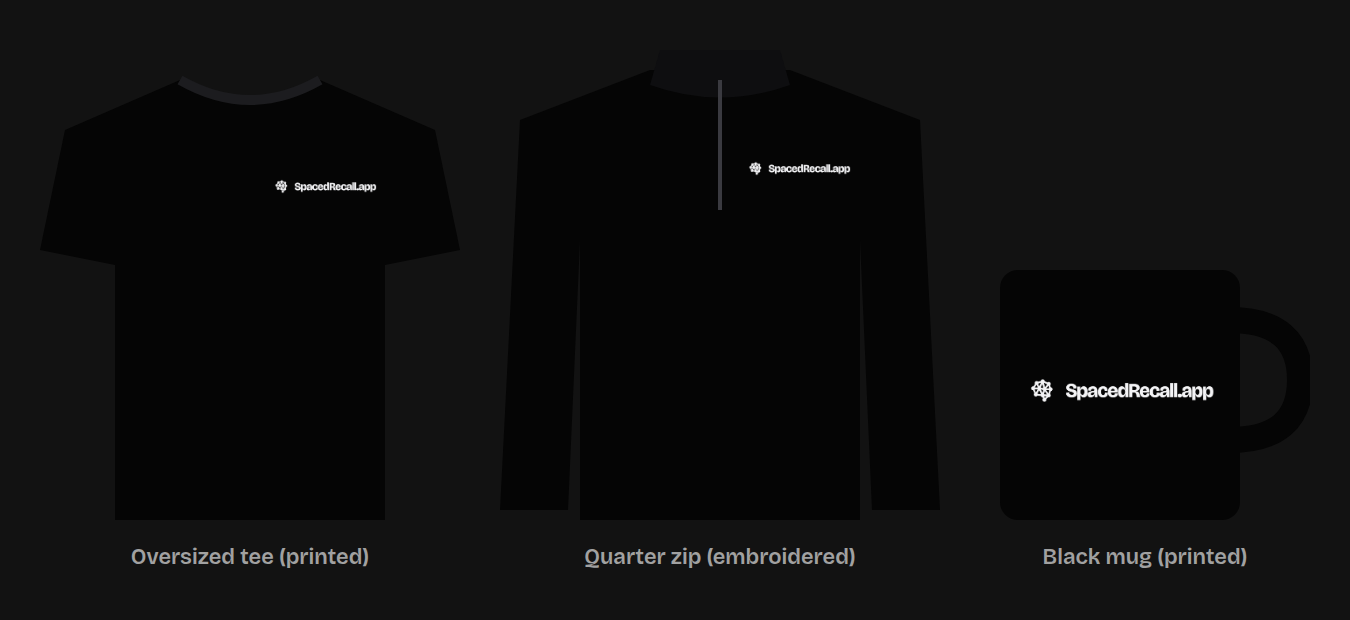
A heavyweight oversized tee, a quarter zip and a mug, in black with the logo small on the chest. Sold at cost, and made when you order it.
No coding experience needed. Copy one prompt into any AI chat and it sets you up with the same workflow: Claude Code, a live test site, your own domain and the App Store.
Every part of it. An optional tip jar keeps it running.
Export your whole library whenever you like, in a file you keep.
Your conversations with the Librarian stay on your device.
Spaced Recall is a notes app built on spaced repetition. You write down what you want to keep, a fact, a note or a picture, and it brings each one back for review right before you would forget it, a few at a time, every day, for as long as you use it.
Yes. The iPhone app and the web app are free, with no ads and no subscription. There is an optional tip jar if you want to support it.
Three days after you add it, then after a week, two weeks, a month, two months and six months. From then on, once a year. Every review pushes the next one further away, and you never get more than your daily limit.
Yes. You can chat with friends, send them facts one at a time or as a set, and build shared projects in groups. Anything you are sent can be added to your own library with one tap.
Yes. Sign in at spacedrecall.app on any computer and your library, calendar and friends are there. An Android app is not out yet.
There are no decks to build and no answers to grade. You write notes the way you normally would, and Spaced Recall decides when each comes back, never showing you more than your daily limit. The Anki comparison goes into it properly.
Nothing piles up. Overdue notes are spread over the next few days inside your daily limit rather than arriving all at once. If you are going away, holiday mode pauses reviews and keeps your streak.
Yes. In Account, Your data, make a connector and add its address to Claude or ChatGPT as a custom connector. You can then ask it to save a note to Spaced Recall in the middle of a conversation, find your notes, or quiz you on what is due today. Revoke the connector whenever you like and it stops working at once.
Yes. A short word drill for Spanish, Italian, French and Seychellois Creole sits alongside your notes, from the language into English or the other way round. It finds your level from the first few words, and each direction keeps its own progress.
Yes. Share a link from any note. Anyone can read it in a browser, and if they have the app it opens there and asks to add the note to their library.
It takes less time to write a note than to forget one.